
Digital Signage Glossary: A Complete Guide to Industry Terminology
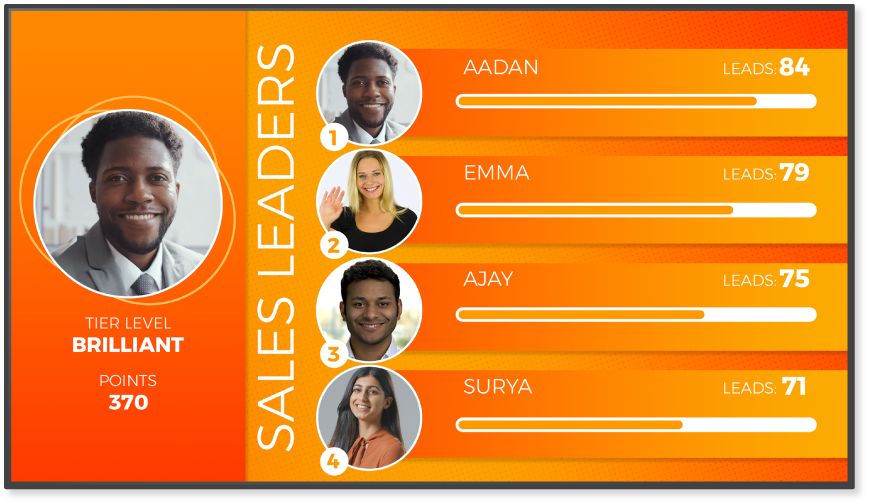
Are you struggling with the Digital Signage lingo? Don’t let the jargon get you down! With our jargon buster and glossary, you can brush up on all the terminology you need, so nothing is ever lost in translation. We cover all the jargon of the trade, including terminology for Digital Signage hardware, software, networks and industry partners.
Hardware
Hardware for Digital Signage refers to the physical components and devices that you need to create, display and manage digital content on your screens. This includes everything from screens and media players that can be standalone or integrated with your monitors, mounting equipment, cables, routers and network devices.
System-on-Chip (SoC)
Offering a space-saving two-in-one device, a System-on-Chip display is a screen that has been integrated with media player functionality. The System-on-Chip itself is like a minicomputer that’s built into a single chip.
Device / Player
A device or player for Digital Signage is designed to managed and deliver multimedia content to your screens. If required, it can be connected to a network for remote content updates.
LED Displays
Long-lasting and energy efficient, LED Digital Signage displays achieve higher on-screen brightness levels, thanks to their use of tiny light emitting diodes (LEDs) as pixels. They offer higher contrast ratios than traditional projectors and often provide greater on-screen visibility in sunlit or artificially lit environments.
LCD displays
Designed with polarized liquid crystals, a liquid crystal flat panel display (LCD) uses a backlight to produce vibrant on-screen colored images.
OLED display
Widely regarded as the most premium screens to-date, OLED (Organic Light Emitting Diode) displays are built with self-illuminating pixels that can turn themselves off. This enables them to deliver exceptional on-screen color, deeper blacks, and eye-popping contrast. As each pixel can emit light in all directions, OLED displays can also provide wider viewing angles. Even when they’re switched off, they are instantly recognizable, thanks to their renowned ultra-slim and lightweight panel designs.
NFC Digital Signage
Near Field Communication (NFC) is a wireless technology that allows devices to communicate when they are close together, usually within a few centimeters. It is commonly used for contactless payments, data sharing, and access control, enabling quick and secure interactions by simply tapping or waving devices.
DOOH
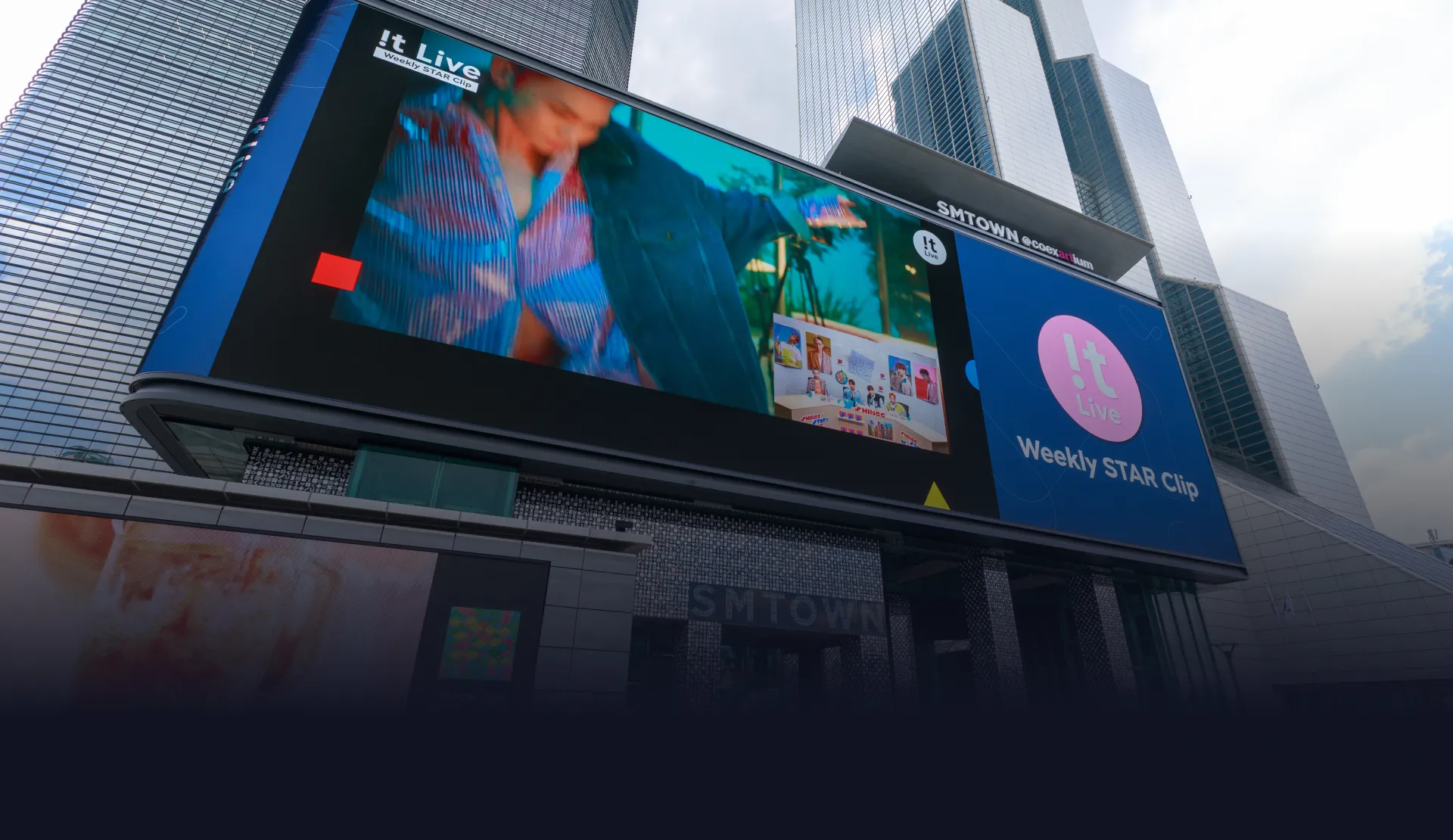
Digital Out of Home (DOOH) refers to digital advertising that you see outside your home, like on electronic billboards, screens at bus stops, shopping malls, or in airports. Instead of traditional printed ads, DOOH uses digital screens to display dynamic and changing content, such as videos or animations, allowing advertisers to easily update and target their messages in real-time.
GPU
A Graphics Processing Unit (GPU) is a special part of a computer or device that handles graphics and visuals. It helps create the images, videos, and animations you see on your screen, making them look smoother and more detailed. GPUs are especially important for gaming, video editing, and tasks that require lots of visual processing power.
Bezels
Bezels are the frames that surround your TV or monitor displays. They vary in width, with some of the most premium designs offering an ultra-thin bezel to maximize the space available for the on-screen picture.
HDMI
High-Definition Multimedia Interface (HDMI) is a type of cable and port that allows you to connect devices like TVs, computers, and game consoles to send high-quality video and sound. For example, you can use an HDMI cable to connect your laptop to a TV to watch movies or display presentations in clear, sharp quality with both video and audio traveling through a single cable.
Screen burn-in
Screen burn-in (or screen burnout) happens when an image stays on a screen for too long, leaving a faint, ghost-like mark, even when the image changes. This can happen with things like logos or menus that don’t move on the screen. It’s more common with older display types like plasma or OLED, but newer screens have features to help prevent it.
Video wall
A video wall is made of multiple screens that are tied together to deliver a larger-than-life viewing experience. Designed to be arranged in various configurations, they create a unified visual experience, enabling high resolution images and videos to be featured seamlessly across the entire viewing area.

Software
CMS
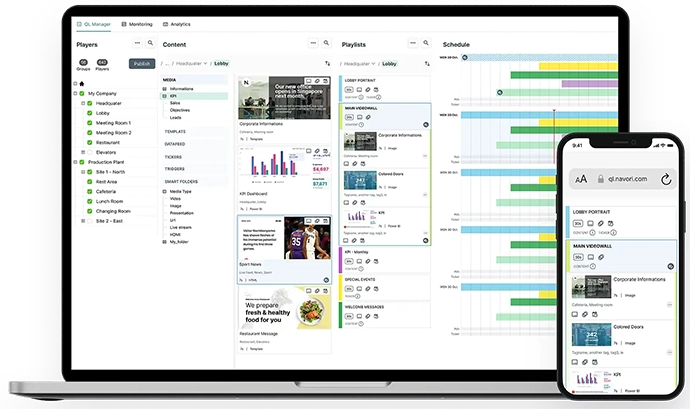
A content management system or CMS is a software application that is used to create, manage, and publish Digital Signage content. Most CMS solutions come with editing and scheduling tools, enabling content to be delivered on-screen in real-time, or at exactly the time and day you require one, some or all your Digital Signage displays. Designed to streamline the content management process, they can often offer enterprise-ready support, making it secure and convenient to create and roll out customized user access for individuals and teams. Some also feature analytics tools to help measure the impact of on-screen Digital Signage campaigns.
Device manager
A device manager ensures that the printers, keyboards and monitors you connect to your computers to work properly. Enabling you to manage and monitor, device managers facilitate tasks like driver updates, device reconfiguration, diagnosing hardware-related issues and improving overall system performance.
SaaS
A software distribution model, Software as a Service (SaaS) allows you to use applications that are hosted by third-party providers. You can access SaaS applications via web browsers without needing to install or manage software locally. The benefits of this model are that you can access these services from anywhere with an internet connection.
RSS
Really Simple Syndication (RSS) is a web feed format used to publish frequently updated content, like blog posts, news headlines, audio, and videos. Saving you the trouble of visiting individual sites to find your favorite content, RSS feeds can be subscribed to via RSS reader applications, which automatically collect new content from subscribed sources.
PoP
Proof of Play (PoP) enables you to measure asset playback. With this function, you can track which screen, at what time, and how long the relevant content is displayed. When measured against other metrics, this information can help you find out what kind of impact your messaging had.
SDK
Software Development Kits (SDKs) are designed to help developers make software applications for specific platforms or frameworks. Simplifying the process, they provide pre-written code and APIs for tasks, like user interface design, data management, and hardware interaction. SDKs also help ensure compatibility and adherence to platform guidelines, as they are tailored to various languages and platforms, including Android, iOS and web.
IoT
Internet of Things (IoT) is a key driver of digital transformation, encompassing a network of interconnected devices, embedded with sensors, software and other technologies, that can communicate with each other over the internet. IoT devices include everything from smart lighting and wearable fitness trackers to industrial machinery and vehicles. With IoT, you can automate device operation, improve efficiency and even predict maintenance issues, as well as surface data analytics.

Widget/app
A widget or app is a small software application that displays specific content or performs a particular function. Ranging from weather updates, news tickers, social media feeds to interactive surveys and wayfinding apps, widgets are frequently customizable. They can be integrated into Digital Signage platforms to meet specific communication or engagement objectives.
Sync
With synchronization, you can ensure that your videos, images, and messages simultaneously display across all your screens. There are a number of sync mechanisms, and these can usually be managed through software platforms or hardware controllers.
Encoding/Encoder
Using an encoder, you can convert video or image content from one format to another, to optimize the content for storage, transmission, or playback on your devices or platforms. Algorithms are able to compress data, reducing the file size and bandwidth requirements, without compromising the visual quality. Encoders ensure compatibility and efficiency across applications, like streaming, broadcasting, video conferencing and Digital Signage, and they support various codecs or compression-decompression algorithms to do so.
PAM
Proactive monitoring or PAM refers to the automated surveillance of your Digital Signage to send alerts via email or text. With PAM, you can minimize downtime, optimize operational performance, and ensure that your content runs smoothly 24/7. It’s a feature that network administrators or service providers often use on behalf of their clients.
Playlist
A playlist allows you to create scheduled sequences of multimedia content that run in exactly the order you choose.
Layout
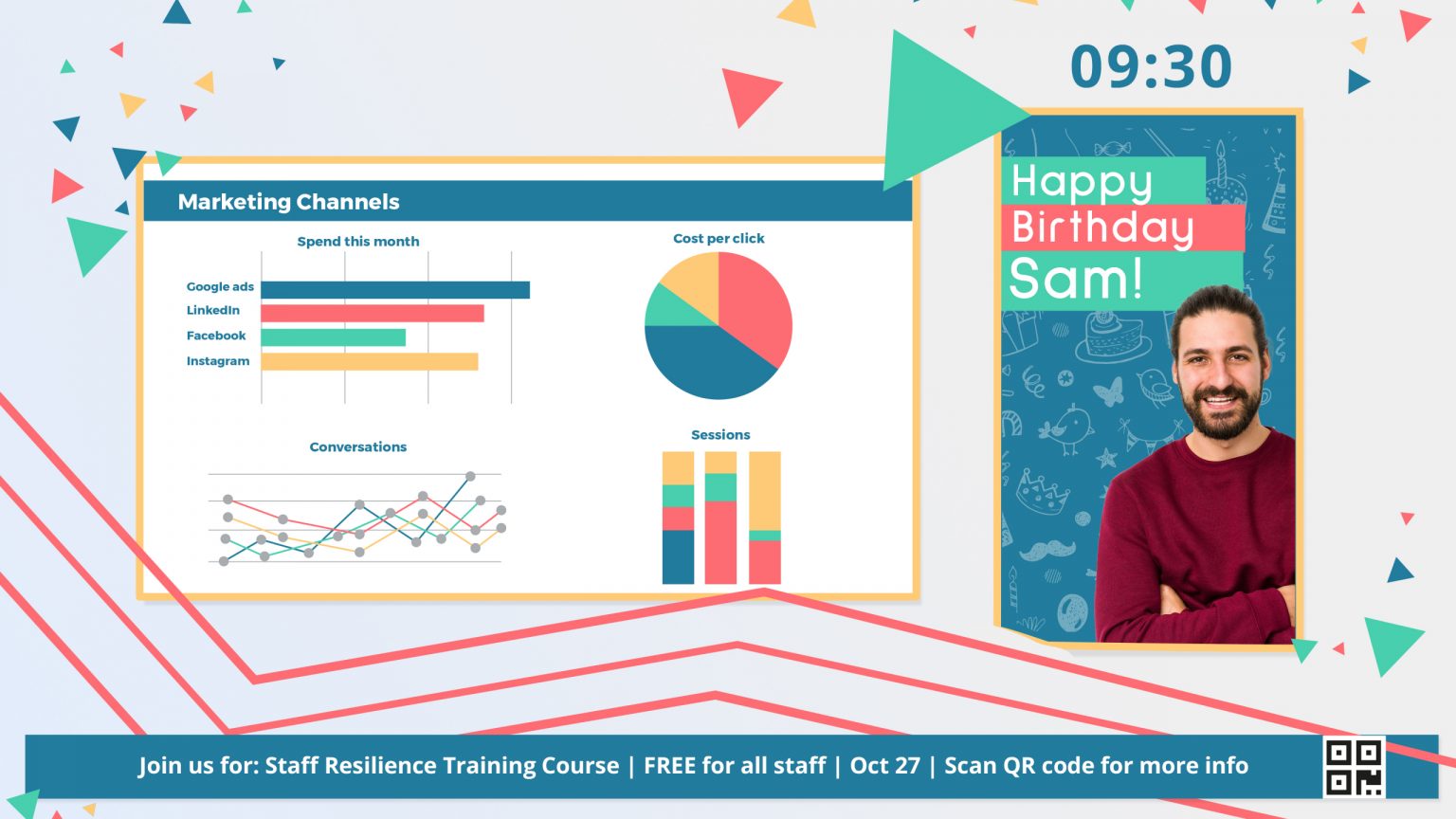
With a layout template, you can arrange your content – that is, your images, videos, text, widgets, playlists and other media to display at the same time, exactly how you want. You can customize layouts, based on screen dimensions, resolution, and intended impact.
API
A set of rules and protocols that allow different software applications to communicate and interact with each other; the Application Programming Interface or API facilitates interaction between different systems. This enables developers to access services from other applications without having to understand how they work. Essential for building software solutions, they allow for interoperability.
Headless
Headless refers to when software operates without a graphical user interface (GUI). It works as the backend of a solution, allowing for the management of content, scheduling, and device management tasks via APIs or command-line interfaces (CLIs). Headless solutions offer greater scalability, as they are easy to integrate into existing infrastructure and can automate content delivery across multiple displays, without any direct user interaction or traditional GUI interface.
KPI
Key Performance Indicators (KPIs) are measurable metrics that can be used to assess the success of your Digital Signage performance. Such metrics typically include viewer engagement, based on dwell time and interaction rates, and content effectiveness, based on click-through rates and audience demographics. KPIs enable you to evaluate your Digital Signage Return on Investment (ROI).
Narrowcasting
Narrowcasting refers to the process of delivering content that has been tailored to suit a specific audience. It enables you to narrowly focus on and engage a target audience, with content that is more likely to resonate with them.
Content
Aspect Ratio/Resolution
Aspect Ratios helps to ensure that content is displayed properly and optimally on your screens. Referring to the proportional relationship between the width and height of an image, aspect ratios that are most common in Digital Signage include 16:9 (widescreen) and 4:3 (standard). Resolution is essential for the display of your content and refers to the number of pixels (individual color dots) that make up an image. The higher the resolution, the clearer the on-screen image.
Dwell time
Offering one way to determine audience engagement, dwell time describes how long viewers stop looking at your Digital Signage. With dwell time metrics, you can work out how well your campaigns have been received and the level of brand exposure achieved.
Viewing distance
Referring to the distance between your screens and viewers, viewing distances are an important consideration, as they determine how comfortably and effectively your audience can see your content. To be sure of optimal viewing distances, you need to take into account the screen size, resolution, content layout, and other environmental factors, such as the location and lighting.
Zone
A zone is a designated area in a screen, where specific content is positioned and displayed. Multi-zone layouts enable you to arrange several different segments of content together on your screens.
IPTV
A system through which television services are delivered using the Internet Protocol (IP), IPTV enables you to stream live TV channels, on-demand content, and multimedia over an IP network, like the internet. Offering flexibility, scalability, and advanced functionality.
Modules
SSO
Single-Sign On (SSO) allows users to access multiple applications or systems, using a single set of login credentials. It’s an easy way to centralize access control and improve security, while also simplifying the user authentication process.
2FA
Two Factor Authentication (2FA) enhances Digital Signage security by requiring users to provide two forms of identification, before accessing systems or content. This process typically requires a password and a verification code that is sent to the user’s smartphone. Safeguarding security in the event that your password becomes compromised, it protects your Digital Signage access points, as well as your data.
GUP
Granular User Permissions (GUP) makes it quick and easy for you to securely assign individuals or groups with customized access and management responsibilities for your Digital Signage. It ensures that you’re able to distribute the workload across larger teams, without permitting any more access than required.
Network
A Digital Signage network is made up of interconnected displays, media players, and management servers. It ensures that you can centralize control of your content distribution, scheduling, and monitoring across multiple locations. Networks can range from small setups in single venues to extensive deployments spanning regions or countries. They enable administrators to remotely manage and update content.
TCP/IP
Transmission Control Protocol/Internet Protocol (TCP/IP) is the basic system that makes the internet work. TCP helps break data, like emails or videos, into small pieces (called packets) to send over the internet. IP is responsible for making sure those packets get to the right destination, like the correct website or device. Together, TCP/IP allows computers and devices to communicate with each other and share information reliably over the internet.
LAN
Local Area Network (LAN) uses Ethernet or Wi-Fi to connect all the devices in a specific limited area, such as your home or office. This communication between devices ensures that resources, like printers, files and interconnect connections can be shared between them.
Industry
OEM
OEM stands for Original Equipment Manufacturer. It refers to companies that make products or parts that are used in other companies’ products. For example, if you buy a laptop, the hard drive inside it might be made by an OEM. OEMs provide original parts or products that other brands use to build their final products.
Reseller
A reseller is a person or company that buys products and then sells them to others. They don’t make the products themselves but instead purchase them from manufacturers or wholesalers and offer them to customers, often adding some extra service or support. For example, a store that sells various brands of electronics is a reseller.
Value-Added Reseller
A Value-Added Reseller (VAR) is a company that takes a basic product, like computer hardware or software, and adds extra features or services to it before selling it to customers. For example, a VAR might bundle a computer with special software, setup services, or support, making it more useful or tailored to your needs. They help enhance the original product to better fit specific requirements or provide additional benefits.
Distributor
A distributor is a company that buys products in large quantities from manufacturers and then sells them to smaller businesses or retailers. They act as middleman, helping to get products from the maker to the stores or other places where you can buy them. For example, a distributor might buy a big shipment of electronics from a manufacturer and then supply those electronics to various electronics stores.
Whether you’re new to Digital Signage, or just looking to brush up on your knowledge, we can help, offering insights to support your Digital Signage projects.

